Site Launch: ANEWU Medical Spa
Posted by
Aimee Cozza on December 3rd, 2018
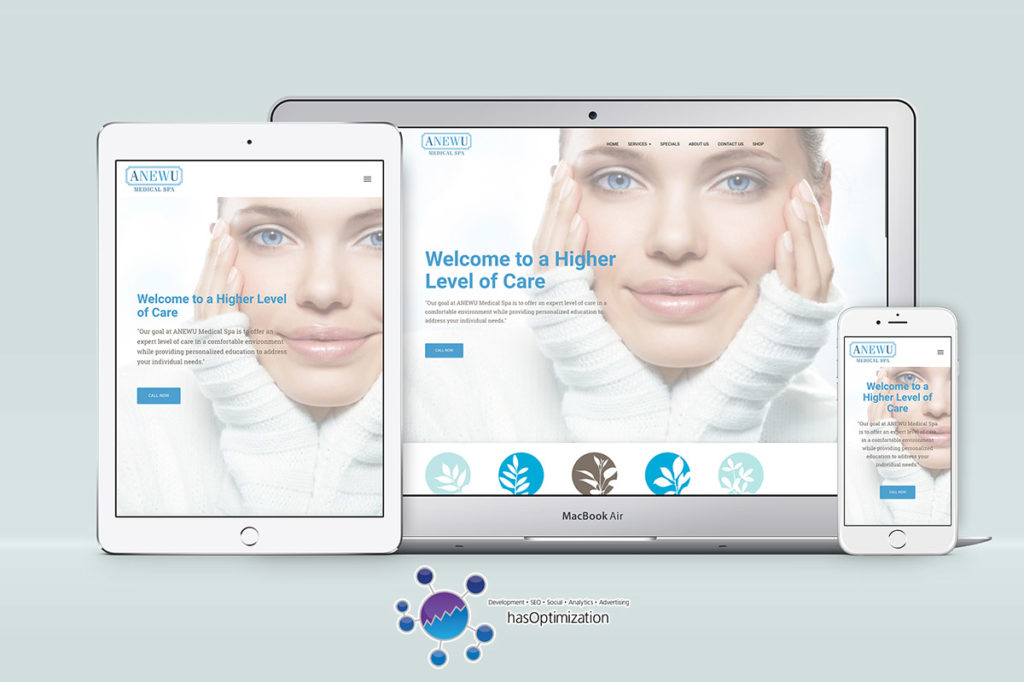
hasOptimization is proud to announce the launch of a new site for Merrimack, NH medical spa ANEWU Medical Spa. ANEWU Medical Spa originally came to hasOptimization looking to improve their ad performance on Facebook and around the web. While we were glad to help, as we were assisting to prepare new advertising methods, we noticed that there was one big problem: ANEWU’s current site was lacking in a lot of elements that are critically necessary for success when it comes to advertising, especially on mobile platforms like Facebook. First and foremost, the site was not fully responsive, making it hard…
Read More
How to Show WordPress Featured Images in MailChimp RSS – Without a Plugin
Posted by
Aimee Cozza on November 23rd, 2018
We’ve already gone through how to get featured images/blog post images to show in MailChimp with the Featured Image in RSS plugin, but perhaps you don’t want to use a plugin. Maybe you’re looking for a way to edit your RSS feed without putting yet another plugin into your WordPress install. Never fear! We can help guide you through this plugin-less route. It’s actually quite simple, and there’s a few different ways to do it. Let’s take a look!
Read More
Site Launch: Prescott Farm Environment Education Center
Posted by
Aimee Cozza on November 17th, 2018
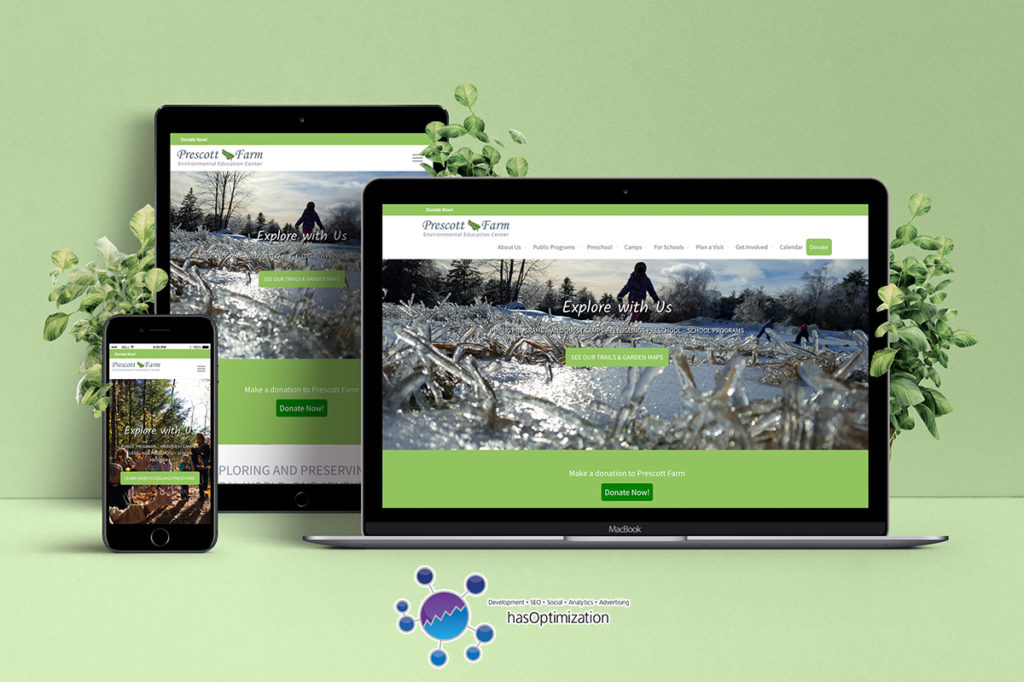
hasOptimization is proud to announce the launch of a new site for Prescott Farm Environment Education Center in Laconia, NH.
Read More
Gutenberg is coming: What you need to know
Posted by
Aimee Cozza on November 7th, 2018
If you have heard anything about WordPress, you might’ve heard the word “gutenberg” thrown around quite a bit lately. Here we talk about Gutenberg, what it is, and how it will affect your website.
Read More
Site Launch: Repair Wireless
Posted by
Aimee Cozza on October 19th, 2018
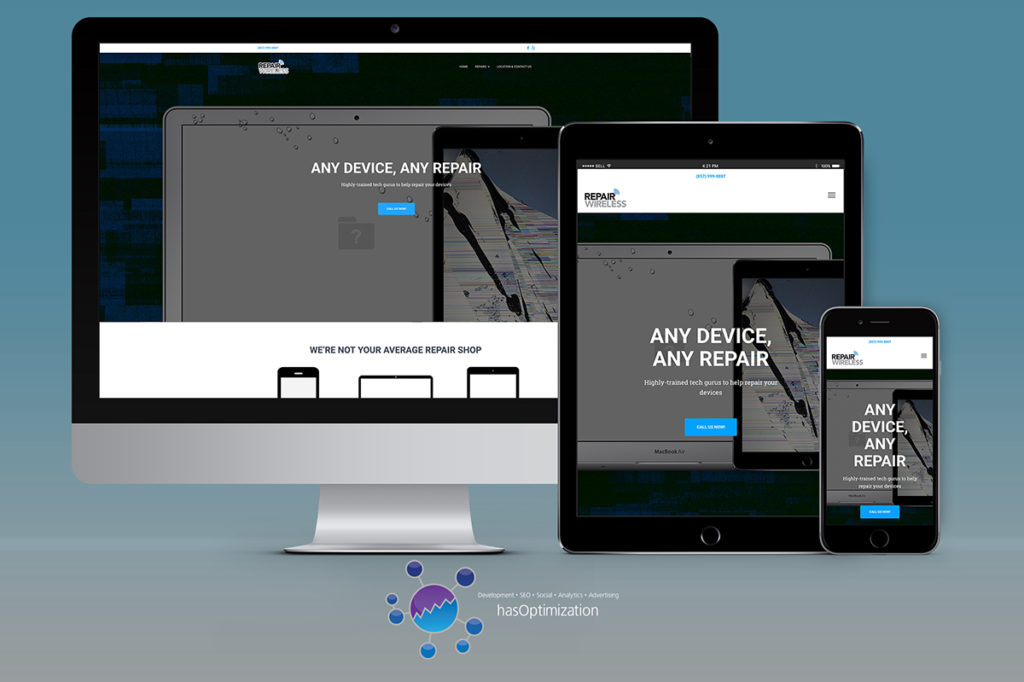
hasOptimization is proud to announce the launch of a new site redesign for Repair Wireless, an all-things-tech repair shop in Brockton, MA.
Read More
How to Embed Pinterest Pins on WordPress without them Disappearing
Posted by
Aimee Cozza on October 15th, 2018
I love using Pinterest to embed content into WordPress. It’s great! It’s an endless source of content, and for the most part all of the credit you need to offer back to the original creator of the pin is already contained within the pin. You aren’t hosting images on your own space as well, so it’s an all around win. Embedding pins from Pinterest is as easy as pasting in a little bit of embed code. Easy enough, right? However, the problem with WordPress is often that content (including code) pasted in will disappear as soon as the visual editor is…
Read More
RIP Simple 301 Redirects
Posted by
Aimee Cozza on July 9th, 2018
Sometimes, you just get really comfortable with some of the plugins you use. It’s really easy to take for granted the fact that there are hundreds of thousands of free plugins for you to use in the WordPress repository, and even easier to forget that no one is getting paid to write these. Many of the times plugin authors rely on donations, but ultimately write plugins from the good of their hearts. And to those people, who make our lives easier, we thank you. The big problem with this is that no one is paying these plugin authors, so if an author…
Read More
Fixed in 4.9.7: New WordPress Vulnerability Found by RIPS & Its Hotfix
Posted by
Aimee Cozza on June 28th, 2018
Like any piece of software used by millions of people, WordPress is subject to a lot of potential security problems. While most security issues can be plugged up with simple updates (the WordPress team appears to be relatively good at plugging up holes and flaws), sometimes security issues can arise that aren’t as clear cut. Like any good website manager, you must always keep your ear to the ground when whitehat hackers and security experts publish findings about flaws in systems — especially WordPress. While it’s impossible to 100% of the time keep hackers and ne’er-do-well-ers out of your website,…
Read More
GDPR and You: What You Should Know (And Do)
Posted by
Aimee Cozza on May 25th, 2018
By now, you’ve probably heard about GDPR. Facebook and various other services have been talking about GDPR for some time now. You probably also got a slew of emails with “updated privacy policies” from various services you don’t even remember joining. What is GDPR and how does it affect you?
Read More
Getting Blog Post Images to show up in RSS MailChimp Campaign with WordPress
Posted by
Aimee Cozza on May 16th, 2018
Sometimes, you start working on something and you start getting really into it and you have a problem with something about it. Then, because you’re already knee deep in it, trying to resolve the issue becomes some big hassle and you just can’t figure it out. So what do you do? You take to Google, you ask your friends, you try the knowledge base for that particular thing you’re trying to troubleshoot. But then… You find out the answer was there right in your face all along.
Read More