 Posted by Courtney Fappiano on June 17th, 2026
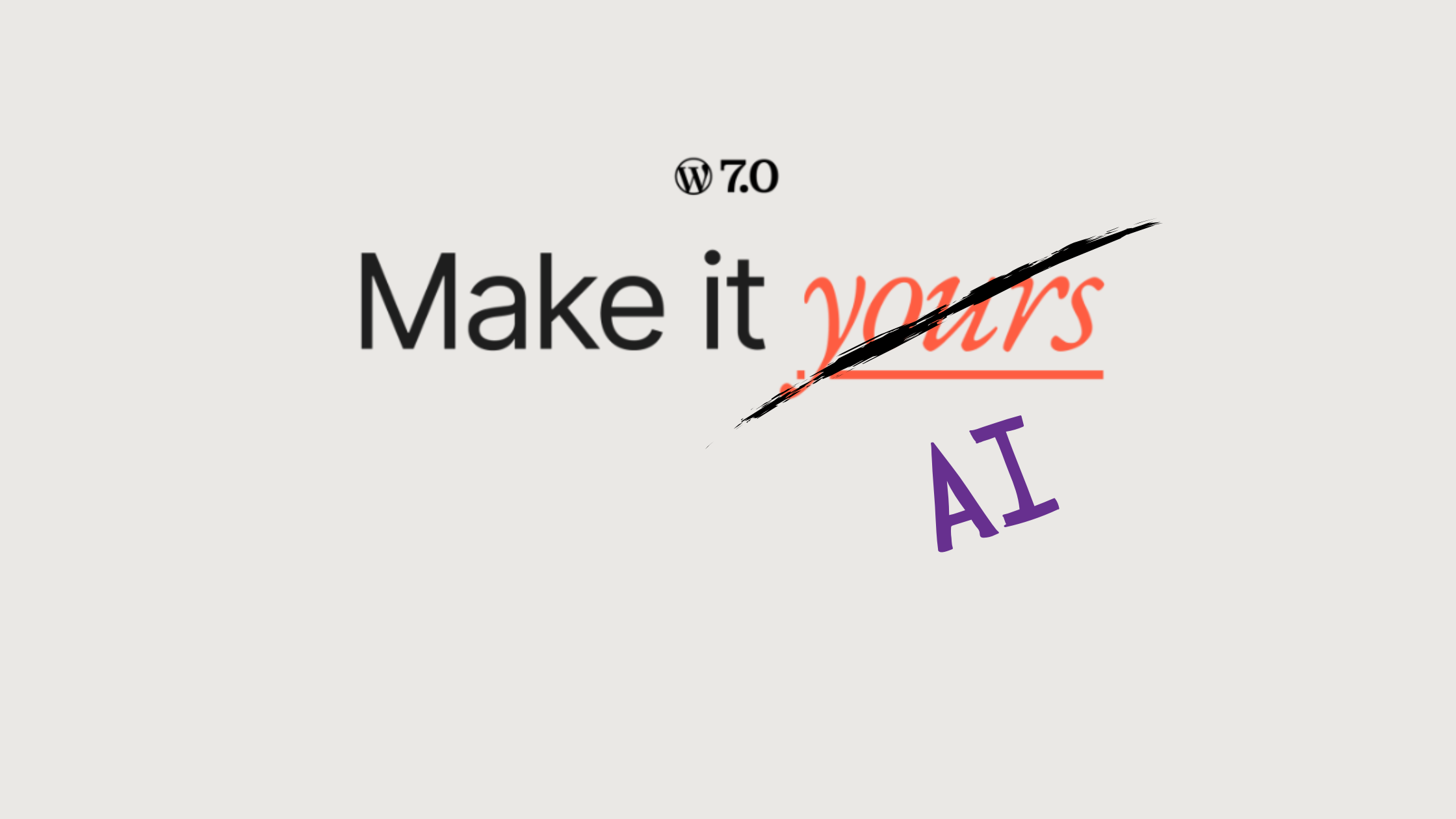
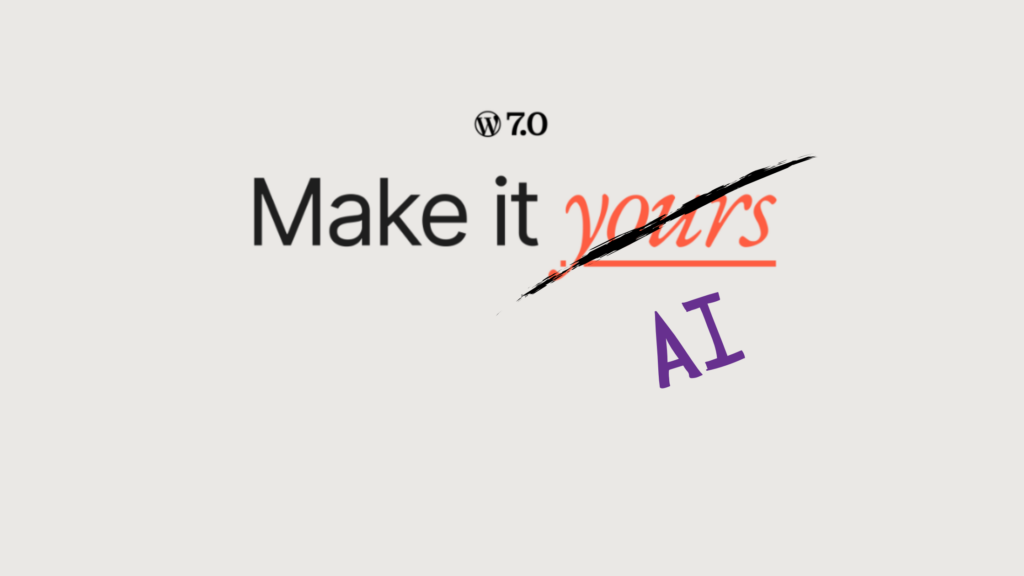
Oh what do you know? Another blog on how AI is affecting our day-to-day! Well this one is important so we have to talk about it. WordPress 7.0 was released on May 20, 2026, and it is the most significant platform update since the introduction of the block editor, which was officially released on December 6, 2018 🤯
Since then we have seen some things and want to give you the low-down on the types of AI that have been automatically integrated into your site. If you are pro or anti AI, you will want to know what is happening.
Jetpack AI Added
Is a built-in assistant for WordPress that helps you generate, format, and edit content directly from the block editor. In the WordPress 7.0 update, Jetpack AI is automatically connected to the site. This plugin gives you an “AI Assistant” block on the page editor block that you place and can then prompt it to create content for the page. There’s also an AI search block that operates on the front end.
Here is where they get you: It’s not free. There are only 20 free credits available so in order to continue to use it you pay $60/first year and $119/year after that. This app will reword existing content and create non existent content. hasOptimization does not mess around with Gen-AI so you won’t be seeing us use that feature. And we would like to take this moment to warn curious DIY clients that consumers are becoming more and more leery of AI content, and relying on AI too much can hurt client trust.
There is AI Everywhere
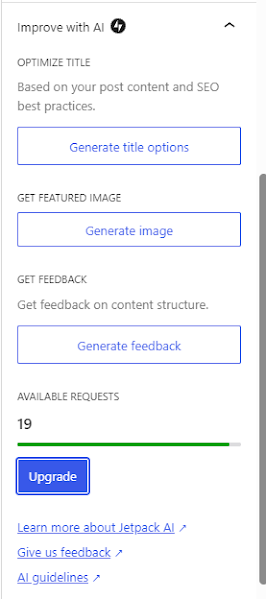
There’s also a new section in the sidebar of the page editor called “Improve with AI” that offers to generate titles, images and feedback with a countdown to how many free credits you have and a button to upgrade.
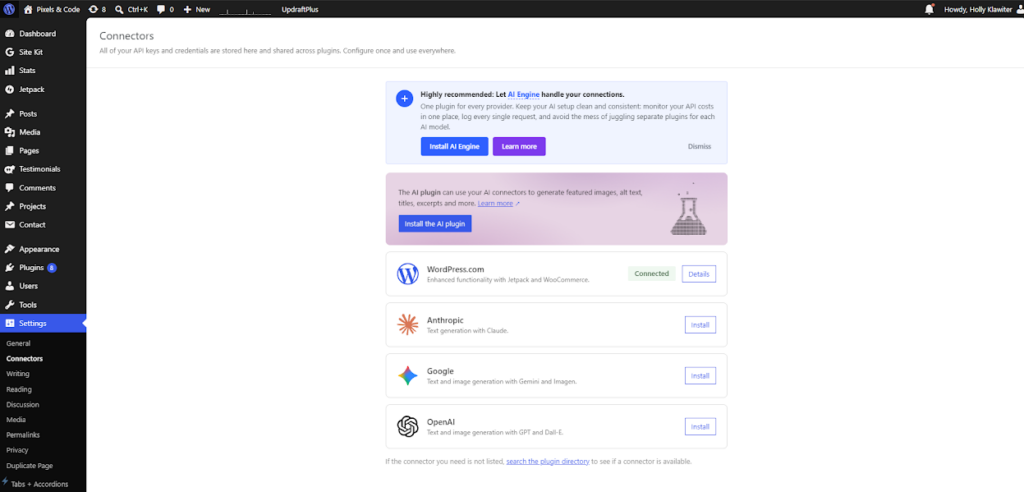
Another big new feature is the “Connectors” page under settings. This is a unified hub for managing external API connections, mostly where AI models can be connected. Seems handy but we were worried all these features would create site bloat and affect site performance.
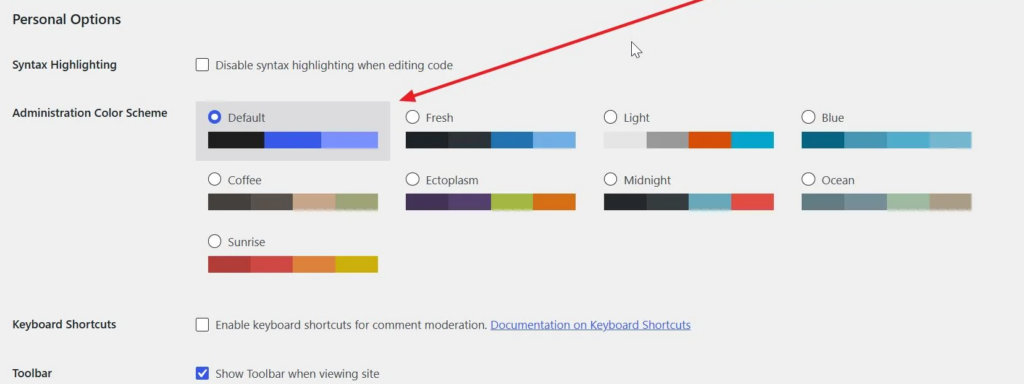
One more gripe: They needlessly changed some of the colors on the backend and it bothers us! Although we found that you can change the admin colors back to normal by selecting the “Fresh” theme on the user account screen:
The Results
After running speed tests on a few of our sites we found that yes, site performance was affected by the WordPress 7.0 update if the update triggers compatibility conflicts with outdated plugins or themes that have not been optimized for the new version. Slow sites deter people from interacting, browsing, and buying from the site so we have been urging clients to make certain updates on their sites or even consider a new site.
In short, the WordPress 7.0 update includes AI capabilities and users should proceed with caution when it comes to connecting to third party models like ChatGPT and Claude since it basically allows those models access to your content (ugh). Thankfully the site isn’t connected automatically, except to the WordPress AI assistant which can be ignored. As we mentioned earlier, while AI generated content can seem quick and easy, more and more users are becoming weary of it (and generally get that horrible eyes-glazed-over look when they view the content).
Over here, hasOptimization is still committed to making human-made sites and content. But we also want you to have the knowledge to make the right decision for you and your business. We want to hear your questions and comments on which direction to take, we can help guide you down the right path.
Drop into our inbox and we can chat🤝